Clipora Clipboard
for Windows.
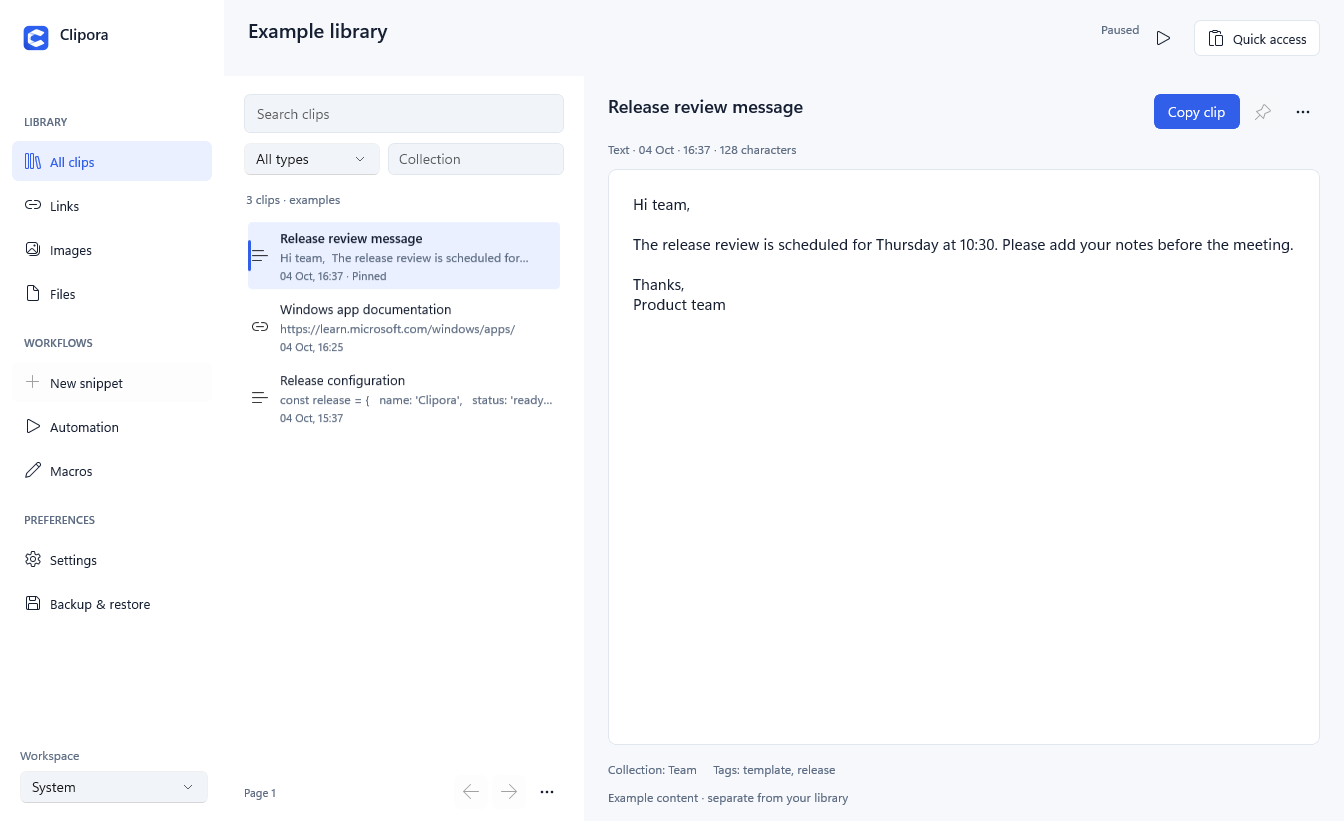
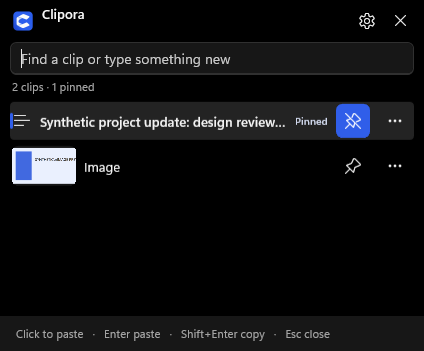
Clipora is a free Windows x64 clipboard manager with searchable text, link and image history, quick paste, pinned clips and encrypted local storage. Ctrl+Alt+V opens quick access near the active field. Local history needs no app account.
Product facts
- Publisher: Clipora. Available in Microsoft Store.
- Windows 10 build 19041 or later; Windows 11 recommended. x64.
- Local history by default. Optional folder/private-server sync starts disabled.
- No app advertising, analytics or AI uploads.
- Pause recording, exclusions, retention and encrypted backup/merge restore.
Ready-to-share introduction
I built Clipora Clipboard for Windows to make repeated copy-and-paste tasks easier. Press Ctrl+Alt+V to search saved text, links and images, keep useful clips pinned, and paste into your active field. History is encrypted locally by default. It is free on Microsoft Store. Feedback, including bugs and missing features, is welcome.
When posting, identify yourself as the developer and follow each community's promotion rules. Do not post fake reviews or claim a ranking or user count.
Screenshots and support
Dark workspace screenshot · Light workspace screenshot · Quick access screenshot · Logo. All screenshot content is synthetic.
View on Microsoft Store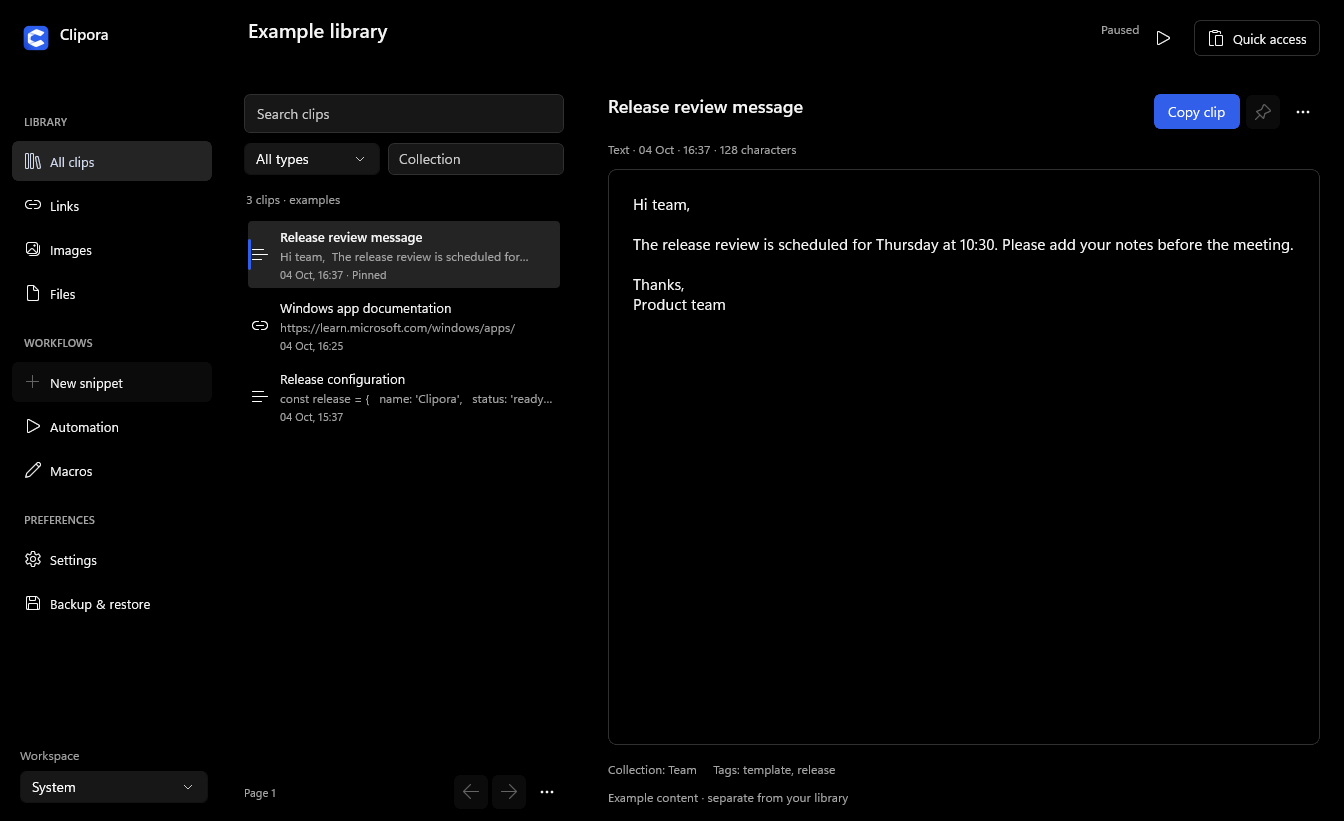
Report a bug or suggest a feature. Reports on GitHub are public; never include real clipboard history.